July 1, 2021 by Yi Lee
在Github上發布網站與更新

透過以下步驟Shortcodes 插入社群媒體文章與影音到Hugo的網頁中。
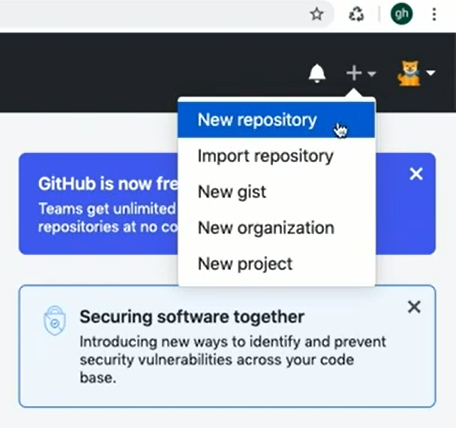
step1: 到Github網站創建一個新的New repository
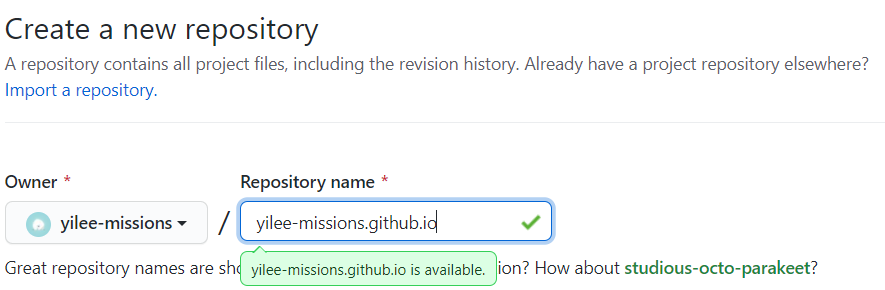
step2: 為 repository命名
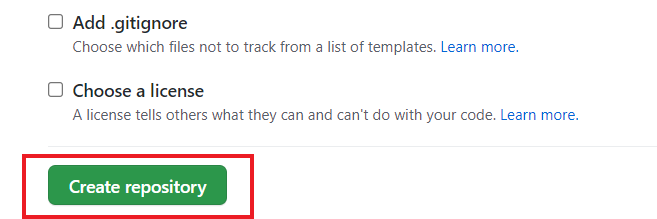
step3: 創建 repository
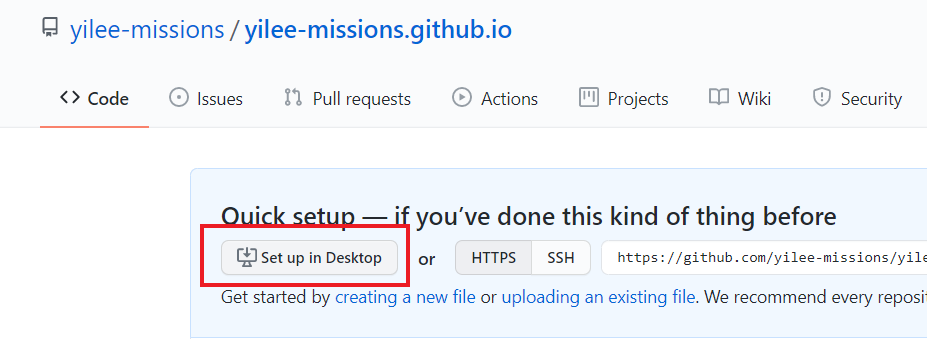
step4: Set up in Desktop,將repository clone到電腦上
step5: 開啟Github Desktop

step6: 複製資料夾到Desktop

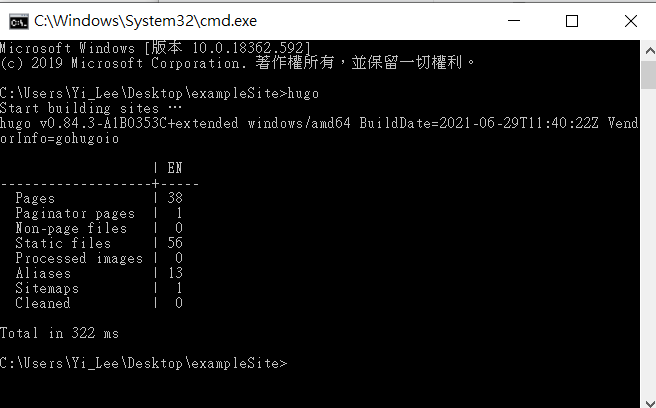
step7: 用Hugo產生個人網站的程式碼,透過命令提示字元,輸入Hugo按下Enter鍵,產生了一個新的資料夾 Public
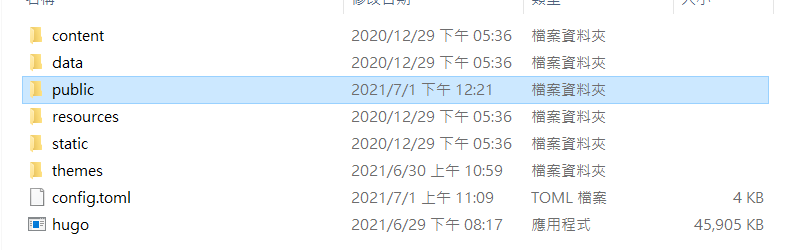
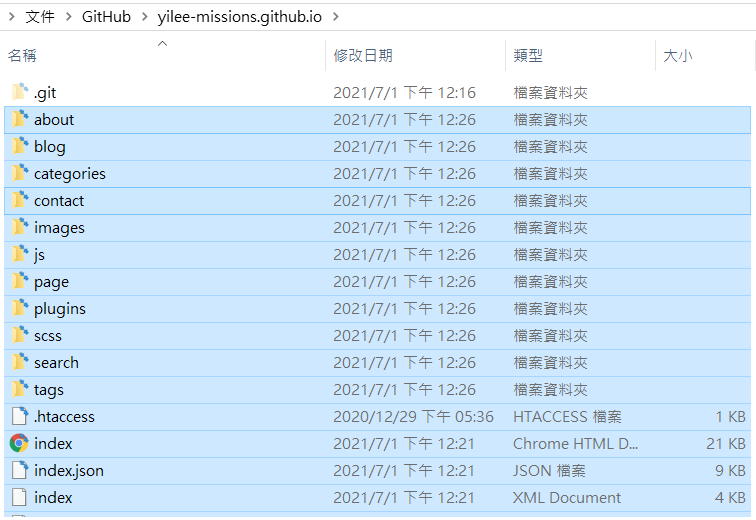
step8: 複製Step7 Public產生的全部資料到Step6產生的資料夾中
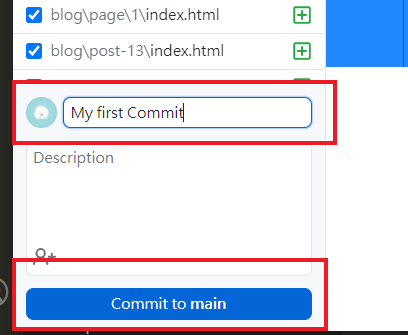
step9: 回到GitHub Desktop 為更新命名,產生新的Commit
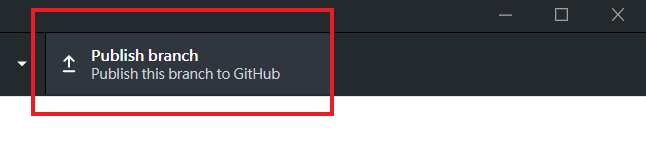
step10: 在GitHub Desktop 右上角點擊Publish Branch。回到Github網站即可發現更新
 step11: 即可到自己帳號的網站查看更新

更新網站內容
更新網站內容之後,重複上述步驟 Step7~Step11,在step取代所有資料夾,在Step9將commit的命名成新的名字即可。